The app
Everything a Power BI report needs to look finished.
Pick a palette, tune text, charts and visuals, and watch two report pages change as you go. Then download one JSON file.
100+palettes in 10 groups
12,813icons from Lucide, Tabler, Phosphor
25+visual types styled
0accounts needed
01 · Themes
Design the theme on the report, not in JSON.
Every change shows instantly on a 1280 × 720 page, the same size as in Power BI Desktop.
- Palettes, a palette from one color or straight from your logo
- Import the theme you already use and keep refining it
- Light and dark versions of your theme in one click
- Axes, gridlines, legend and data labels, globally or per visual
- Export checked against the official Microsoft theme schema
Click to enlarge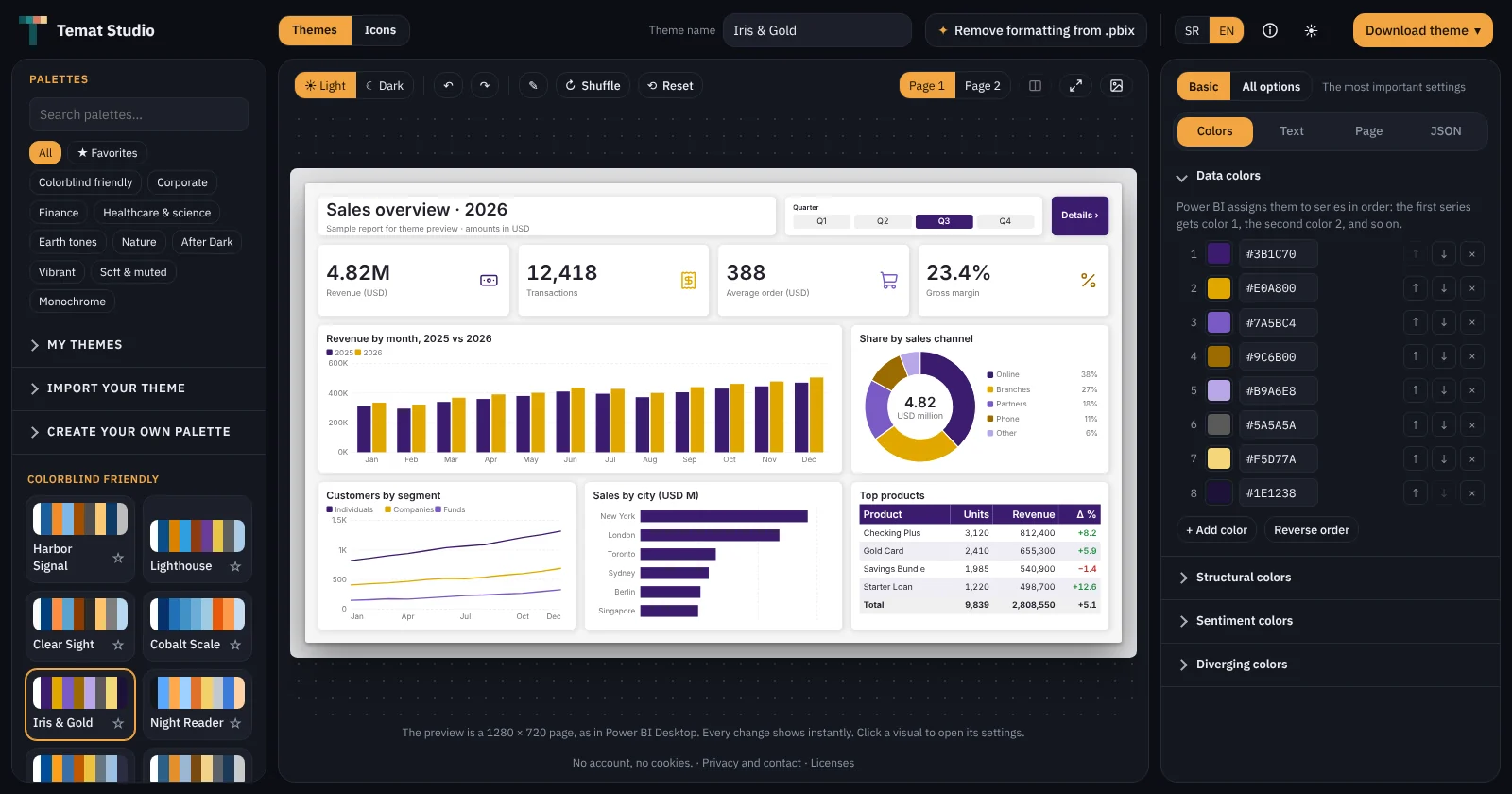
02 · Remove formatting
When the theme won't recolor everything.
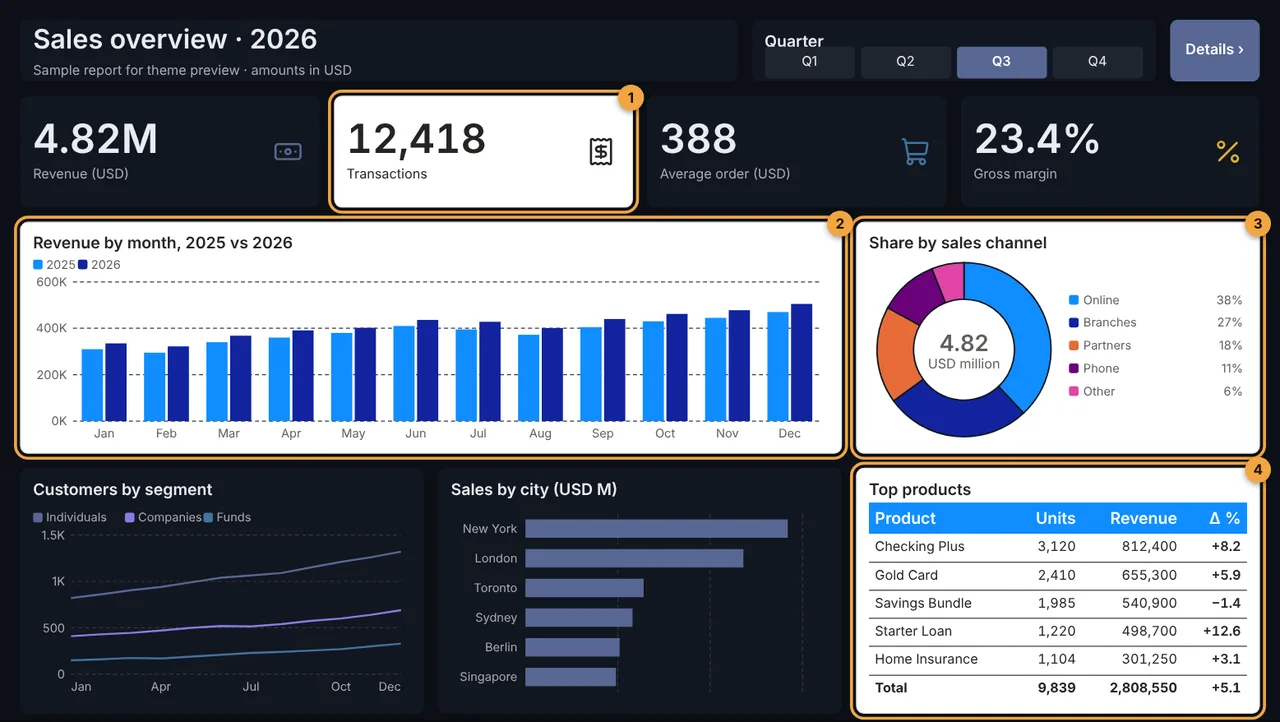
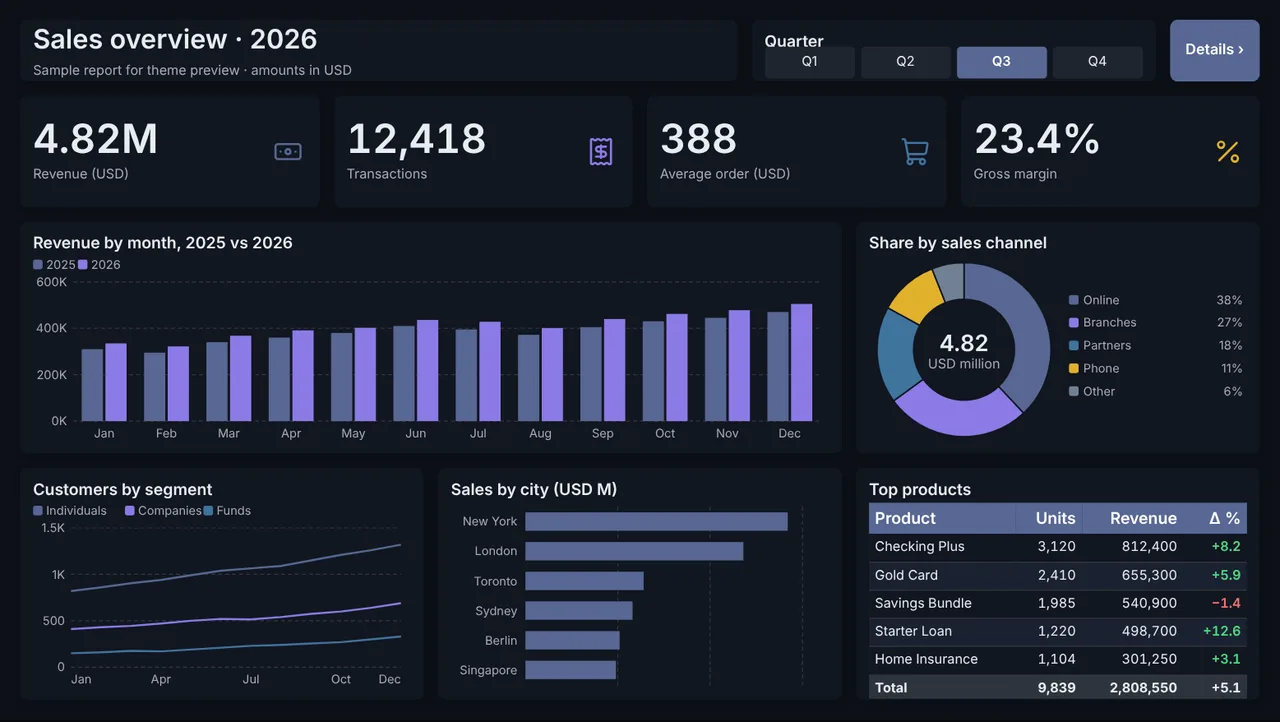
Power BI keeps colors and fonts set by hand on each visual, and no theme can override them. Load your .pbix, choose what to remove, and get a clean copy that follows the theme.
- Colors, fonts, backgrounds, borders, shadows, page wallpaper
- Conditional formatting stays untouched
- Your original file is never changed
Only in Temat
Click to enlarge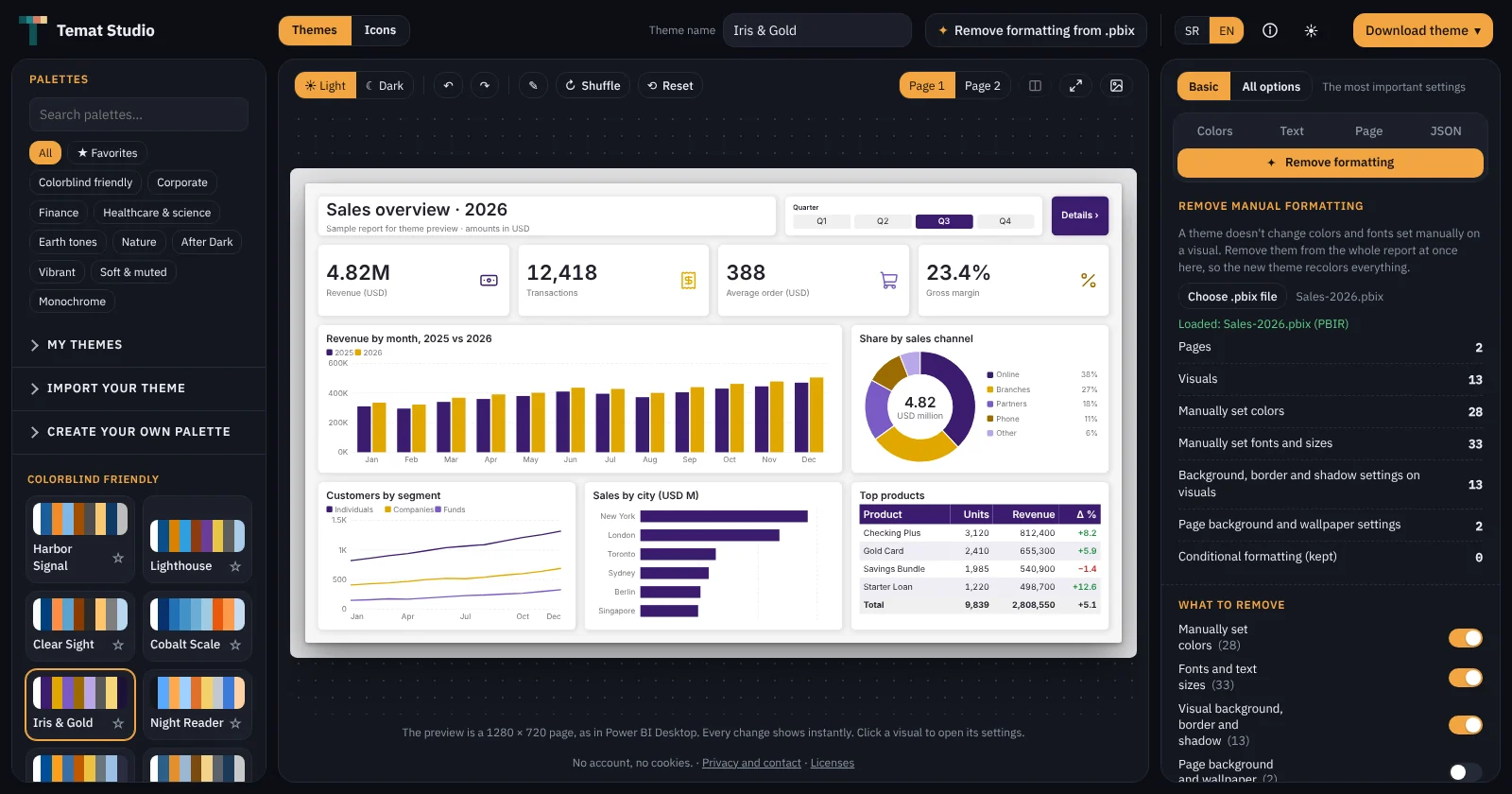
03 · Icons
Icons in your theme's colors, and as DAX.
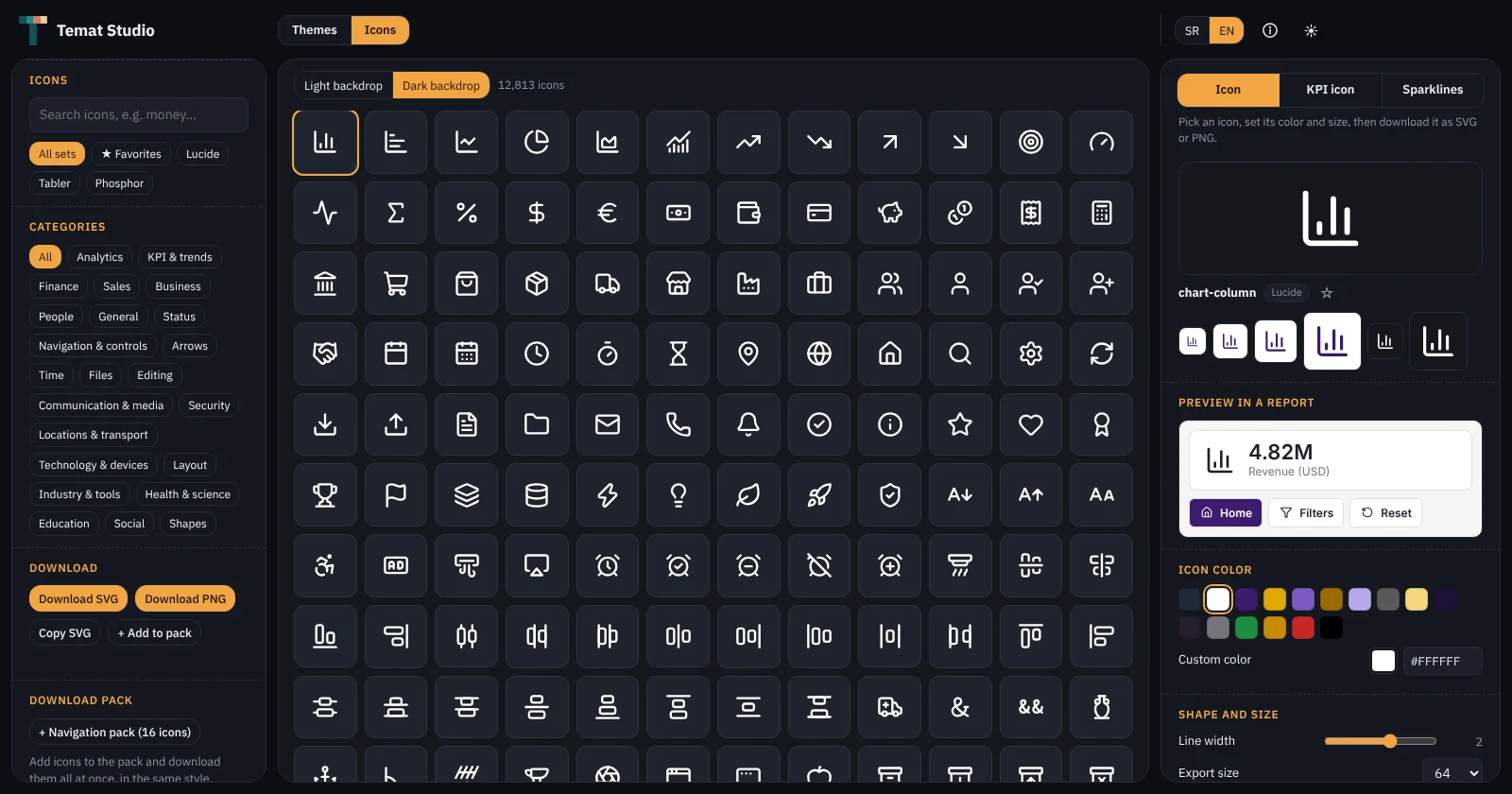
12,800+ icons colored from your theme. Download SVG, PNG or a ZIP pack, or copy a DAX measure and show the icon in a table without a single file.
- Self-updating KPI icons: up in green, down in red, 14 shapes
- A ready navigation pack: home, back, filters, reset…
- Favorites, backgrounds, rotation, sizes up to 512 px
Click to enlarge